
 United States
 United Kingdom
 Canada
 Australia
 New Zealand
 Ireland
Trevor Nace's Journal warning meets questions about default settings
His iPhone privacy tutorial draws an unusually large audience, while viewers compare what is actually enabled on their phones.
 Trevor Nace
Story of
Why this story? The video opened at a pace of 355,633 views a day, 81 times a normal first day on this channel (4,403).
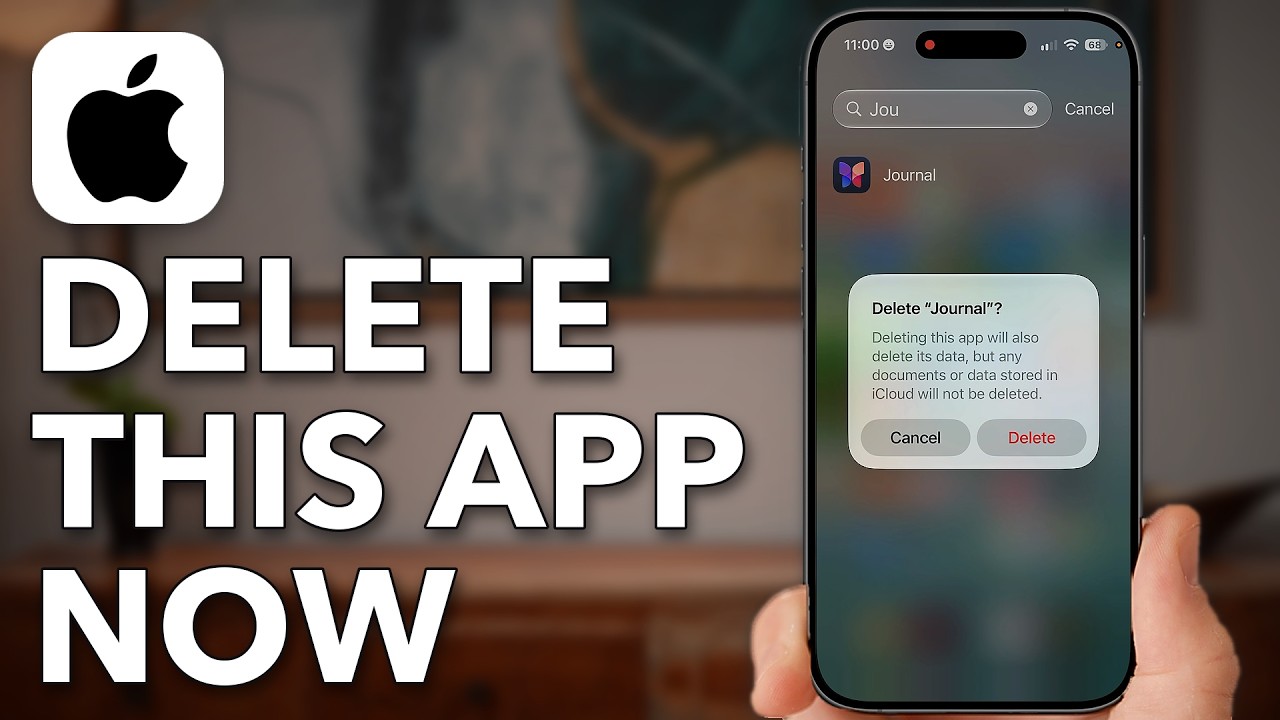 Your iPhone Installed An App WITHOUT Your Permission - Delete It Now!
Things we can learn from the video
Press to jump
- 0:22Clear Journaling Suggestions history and disable access to activity, media, contacts, photos and state of mind.
- 1:39Nace shows where to turn off Journal's location and Health access.
- 3:16The app deletion promised in the title comes here, with a demonstration of removing Journal.
- 3:45Open App Privacy Report to inspect which apps have accessed personal information and sensors.
- 5:07Revoke individual permissions, using camera access as the example.
- 5:34Inspect App Network Activity and Website Network Activity to see domains contacted.
Trevor Nace heads straight into Journaling Suggestions, showing how to clear its history and switch off access to photos, contacts, activity and other personal information. The app behind his warning is Apple's Journal, and his tutorial goes as far as deleting it entirely.
The video reached roughly 283,000 views in 15 hours, far beyond the channel's usual first-day audience of about 4,400. Privacy settings are familiar territory for Nace: his earlier iPhone and Android tracking tutorials are among his most-watched uploads.
But the comments add an important distinction to the urgent title, "Your iPhone Installed An App WITHOUT Your Permission - Delete It Now!" Several viewers report finding Journaling Suggestions switched off or unavailable because they have no journaling app installed. Others question his description's assertion that updates repeatedly reinstall Journal, saying it has stayed off their own phones after deletion. Those are viewers' accounts of their devices, not evidence that every iPhone behaves alike.
Nace also acknowledges a reason to keep the permissions: people who actually use Journal may find its suggestions helpful. His walkthrough shows where to withdraw that access if they don't.
The tutorial then moves beyond Journal. In App Privacy Report, he demonstrates how to inspect access to sensors and personal information, revoke an app's camera permission and examine the domains apps contact. That second half gives the video a broader purpose than its delete-this-app opening: finding out what the apps you keep are doing.
Published on Trari
Where next?


What viewers say
I looked at my “Journaling Suggestions” and it’s blank as I have no Journaling apps on my iPhone.
@Hansaman58See it on YouTubeWhat if it is not turned on? My phone has Journaling Suggestions. once you click on it, it only has one line, ‘Turn On Journaling Suggestions’.
@DebraDoyle-dj1scSee it on YouTubeGreat video! Some very interesting lessons herein! I really appreciated how you continually show the path to what you are showing on the screen, real time! So helpful!
@g.r.2985See it on YouTube
2 more comments
Please also address the "Apple Intelligence Report" as to whether it should be 'on' or 'off'. Thanks
@MrWinger1951See it on YouTubeI deleted the Journal APP some time ago. It has not re-installed since despite updating ios.
@jfmeyer22ytSee it on YouTube
Public comments from the video's page on YouTube
 Is this your channel?For the channel's owners and team: a ready picture and text for your audience
Share the story with your audience. Everything is ready:
For an Instagram story or a WhatsApp status
For a community post or your channel's description
- Channel
- Trevor Nace
- Subscribers
- 1,550,000 ▲ 20,000 this week
- Channel views, last 7 days
- 8,089,803
- Channel views, pace per day
- 1,548,359 (on a normal day: 863,614)
- Video published
- November 4, 2026
- Video views so far
- 283,152 (less than a day online)
- Video views, pace per day
- 355,633
The numbers
The tutorial had already far exceeded Nace's usual first-day views before a full day had passed. Its comment section was also much busier than usual.

💡 Test your knowledge
Which iPhone feature does Nace use to inspect apps' sensor access and network activity?
Nace opens App Privacy Report to examine data access and the domains apps contact.