
 United States
 United Kingdom
 Canada
 Australia
 New Zealand
 Ireland
Trevor Nace explains AirPods updates without an update button
His firmware tutorial draws an unusually fast audience, while viewers ask why the automatic process cannot be more straightforward.
 Trevor Nace
Story of
Why this story? The video opened at a pace of 104,388 views a day, 33 times a normal first day on this channel (3,140).
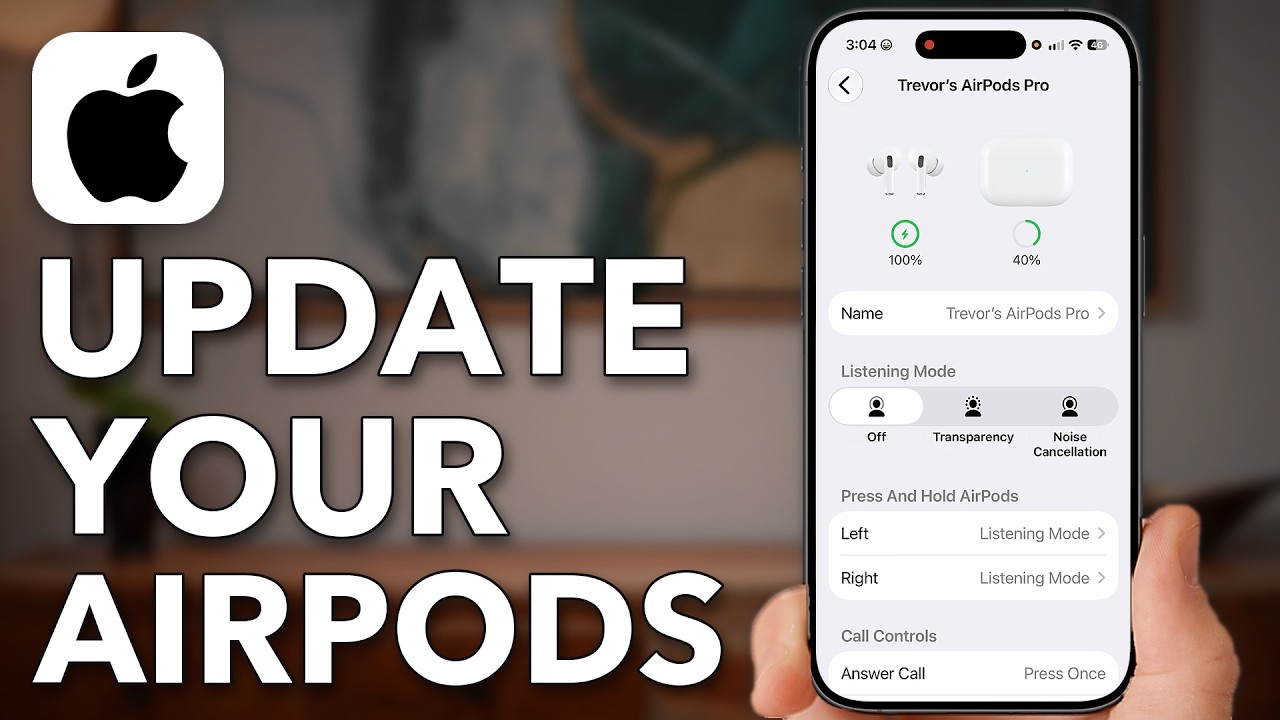 How To Update AirPods (Yes, You Have To Update Them!)
How can you tell whether your AirPods actually received an update? Trevor Nace's tutorial ends with a useful check: open their information page in Bluetooth settings, find the firmware version and compare it with Apple's support page for that model.
That small maintenance job has brought an unusually large audience to "How To Update AirPods (Yes, You Have To Update Them!)". The video reached about 58,000 views in nine hours, already far beyond the usual first-day audience for his short tutorials.
Despite the title's hands-on wording, Nace demonstrates how to prepare for an automatic update, rather than tapping a button to install one. He checks the iPhone's software, switches on Wi-Fi and Bluetooth, then plugs the AirPods case into a charger and opens it to connect beside the phone. He recommends leaving the AirPods charging nearby while the update happens.
The distinction is also the main talking point in the comments. Several viewers emphasize that firmware installs in the background; others want Apple to provide an update button instead of leaving them waiting. One describes an update taking days, rather than the short wait Nace suggests.
For anyone unsure whether the waiting worked, the tutorial's most concrete answer comes near the end: checking the installed version against Apple's model-by-model list.
Published on Trari
Where next?


What viewers say
I had to idea they needed to be updated as well. Thanks for explaining.
@Daph2023See it on YouTubeHey Trevor! I'm a relatively new viewer of your channel, and I just wanted to say a quick thank you for your no-nonsense, no-drama approach to presenting information. You always cut right to the heart of the topic, and I really appreciate it!👍🏼
@NylgkSee it on YouTubeWhat about Beats Pro.
@keithdickson8364See it on YouTube
Public comments from the video's page on YouTube
 Is this your channel?For the channel's owners and team: a ready picture and text for your audience
Share the story with your audience. Everything is ready:
For an Instagram story or a WhatsApp status
For a community post or your channel's description
- Channel
- Trevor Nace
- Subscribers
- 1,550,000 ▲ 20,000 this week
- Channel views, last 7 days
- 6,954,967
- Channel views, pace per day
- 1,762,451 (on a normal day: 766,131)
- Video published
- November 1, 2026
- Video views so far
- 57,605 (less than a day online)
- Video views, pace per day
- 104,388
The numbers
The AirPods tutorial has already passed Trevor Nace's usual full-day audience for videos of this length. Its comment section is also much busier than usual.

💡 Test your knowledge
Which iPhone settings section does Nace use to check the AirPods firmware version?
Nace opens the AirPods information page in Bluetooth settings to find their firmware version.