
Trevor Nace explains passkeys beyond the Face ID prompt
His unusually fast-starting explainer shows why fake login pages cannot use a passkey, while viewers ask what happens when their phone goes missing.
 Trevor Nace
Story of
Trevor Nace
Story of Why this story? The video opened at a pace of 214,109 views a day, 54 times a normal first day on this channel (3,984).
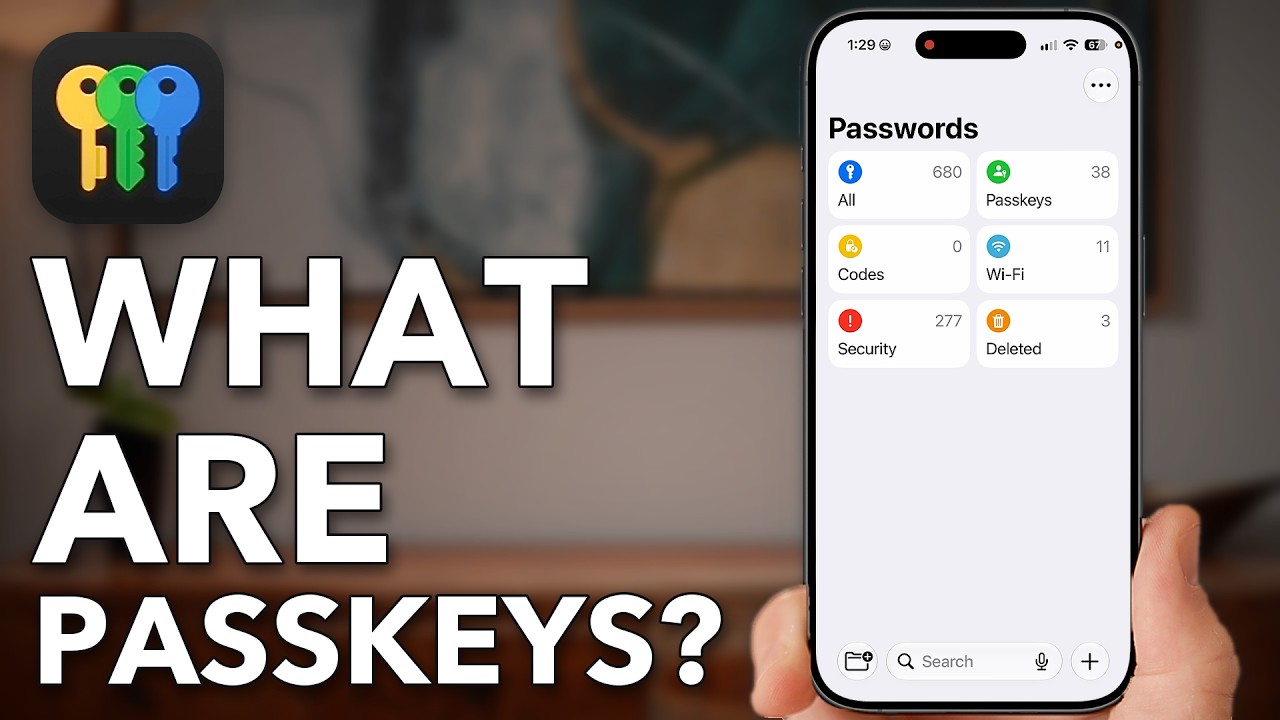 Say Goodbye to Passwords: Passkeys Explained!
Things we can learn from the video
Press to jump
- 0:32Passwords can be leaked, stolen or entered into fake login pages.
- 1:18Nace explains how the iPhone's Secure Enclave protects private credentials.
- 1:57Face ID or a fingerprint authorizes the device to use a passkey.
- 3:11A website's public key works with the device's private key to authenticate a login.
- 4:09Passkeys are bound to legitimate sites, preventing lookalike domains from using them.
- 5:20Nace shows where to find saved passkeys in the iPhone's Passwords app.
What happens to your login if you lose your phone? Trevor Nace's passkey explainer has viewers asking that practical question, alongside another: how do you use the same account on different devices?
"Say Goodbye to Passwords: Passkeys Explained!" reached nearly 178,000 views in its first 16 hours, far beyond the channel's usual opening day. The discussion is unusually busy, too, with more than 200 comments against a typical first day's handful.
Nace starts with the weakness of a familiar password: someone can copy it, steal it or persuade you to type it into a convincing fake website. A passkey changes what you hand over. The website holds a public key, while your device uses its private key to answer a login challenge. Your face or fingerprint authorizes that process rather than becoming a password you send to the site.
The important distinction arrives in his explanation of phishing. A passkey is tied to the legitimate website, so a lookalike page cannot simply collect it as it could a typed password. Near the end, Nace opens the iPhone's Passwords app to show where saved passkeys appear.
The comments press beyond that introduction. Viewers ask how to switch an existing account, move between a phone and computer, and recover access after a lost device or dead battery. Others question what protection remains when an account still permits password login. This is an explanation of the mechanism, not a full setup-and-recovery walkthrough.
Another practical tutorial is also drawing an unusually large opening audience: "How To Move Photos From iPhone To USB Flash Drive (No Computer)," which uses Photos and Files to transfer pictures without a computer in between.
Published on Trari
Where next?


What viewers say
I love when Google shows me a QR code on my phone while I need to scan it....with my phone.
@normsharp6497See it on YouTubeYours is the best explanation of how passkeys are different from passwords. But there are a lot of remaining questions about their practicality. For example, how do you retire an existing password? What if your device doesn’t support passkeys?
@TyBeingTyAgainSee it on YouTubeThank you, Trevor. What I would like to know is how to change an account from a Password to a Passkey, please. Great info.
@Riri-1651-HomeSee it on YouTube
3 more comments
So if you become totally dependent on the biometrics of your phone, what happens if you need to access a passkey secured website and your phone is not functioning for one reason or another? Dead battery, lost or stolen, et cetera. Do websites still allow you to login without the passkey if you have to recover from something like that
@cprendon3See it on YouTubeThank you for vlogs. Your way of explaining is much easier to understand than most other utubers. You speak in a slower and calming way that I really appreciate and show us in a step by step the process. Thank you sir I looking forward to your next video.
@manuelpiol6346See it on YouTubeNice, simple explanations. Thank you.
@RichardSheltonSee it on YouTube
Public comments from the video's page on YouTube
 Is this your channel?For the channel's owners and team: a ready picture and text for your audience
Share the story with your audience. Everything is ready:
For an Instagram story or a WhatsApp status
For a community post or your channel's description
- Channel
- Trevor Nace
- Subscribers
- 1,540,000 ▲ 20,000 this week
- Channel views, last 7 days
- 4,808,343
- Channel views, pace per day
- 804,791 (on a normal day: 669,805)
- Video published
- October 29, 2026
- Video views so far
- 177,749 (less than a day online)
- Video views, pace per day
- 214,109
The numbers
The passkey explainer is running far ahead of Trevor Nace's usual start for a regular video. His computer-free photo-transfer tutorial is also off to an unusually strong start.

💡 Test your knowledge
What is the name for tricking someone into entering login details on a fake website?
Phishing uses deceptive messages or websites to trick people into revealing sensitive information.