
Stationery Pad, clipboard history and nine more Mac shortcuts for Proper Honest Tech
Only two uploads went out, and the Mac tricks video passed 325,000 views in under a week while a defense of the iPhone Photos app followed on Monday.
 Proper Honest Tech
Story of
Proper Honest Tech
Story of Why this story? The channel's weekly summary: what went up this week, what is drawing views now, and where the channel stands among similar channels.
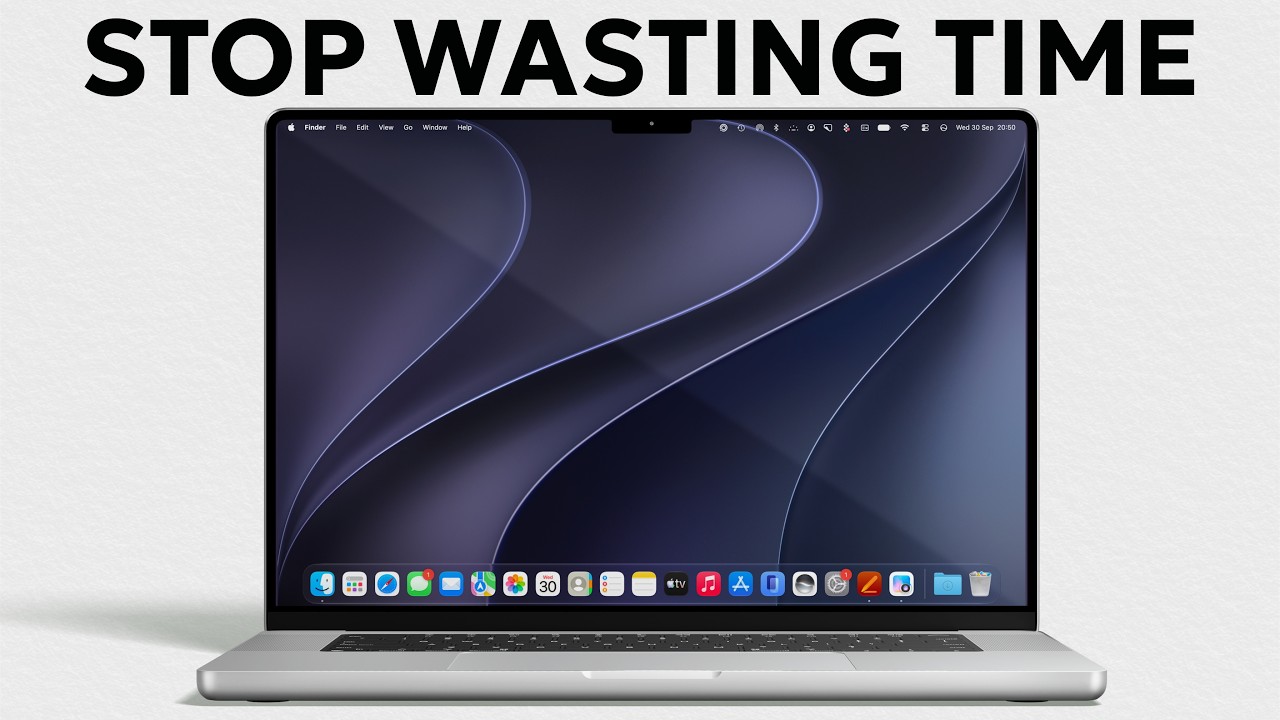 Your Mac Can Save You HOURS — If You Know These Tricks
Among tech channels of roughly the same size, Proper Honest Tech sits in the middle of the pack, but it is one of the few running ahead of its usual pace. Its daily views are up by about half on a normal stretch, while MacRumors, DC Rainmaker and AppleTrack are all a little quieter than usual. SAMTIME and Michael MJD are the ones having the bigger weeks.
Most of that lift comes from a single video. "Your Mac Can Save You HOURS — If You Know These Tricks" went up on October 1 and has passed 325,000 views. It is a straight run through everyday shortcuts: clipboard history, one-click templates, merging PDFs, spring-loaded folders, bulk renaming, quick image conversion and a screenshot trick to finish. The comments read like a classroom where everyone is raising a hand. Long-time Mac users admit they knew one or two of the tips at most, Stationery Pad gets singled out as something that should be common knowledge, and several viewers chip in their own refinements, such as an easier order for pressing the screenshot keys.
The second upload makes a gentler case. "The Photos App Deserves A Second Chance..." argues that Apple's much-debated iPhone app is misunderstood, and it walks through Collections, star ratings, saving a single video frame as a picture and manual keyword search. It is the slower of the two, but it is the channel's second-busiest video right now, ahead of an older list of ten iPhone tricks from the week before.
Two videos, both about getting more from devices people already own: it is exactly the job the channel's about page promises.
Published on Trari
Read next

What viewers say
Stationery Pad - why isn't this common knowledge? Many thanks
@1935CharmSee it on YouTubeI always appreciate that you get straight to the point and live up to the channel name.
@dmac2573See it on YouTubeGoodness me it’s like you have been watching me work!! I edit a magazine for a charity and these tips will save me hours. Thanking you good sir
@Bornie205See it on YouTube
Public comments from the video's page on YouTube
Is this your channel?
Share the story with your audience: in a community post, in your channel's description or on your socials. The text and the badge are ready.

You may use the picture, the badge, and link it to this story.
The videos drawing views on Proper Honest Tech right now


- Channel
- Proper Honest Tech
- Subscribers
- 625,000 ▲ 2,000 this week
- Channel views, last 7 days
- 698,252
- Videos published this week
- 2
- Video published
- October 1, 2026
- Video views so far
- 325,313
- Views on its first day
- 96,662
The numbers
Here is how Proper Honest Tech's week looks in figures.

💡 Test your knowledge
In macOS, which keyboard shortcut opens the screenshot and screen recording toolbar?
Command+Shift+5 opens the capture toolbar, introduced in macOS Mojave, where users can also choose where screenshots are saved.
