
Proper Honest Tech's iPhone Duo guide starts with paired apps
The foldable setup tutorial moves from split-screen shortcuts to unplugged StandBy, with new owners comparing notes in the comments.
 Proper Honest Tech
Story of
Proper Honest Tech
Story of Why this story? The video opened at a pace of 144,481 views a day, 4.8 times a normal first day on this channel (29,832).
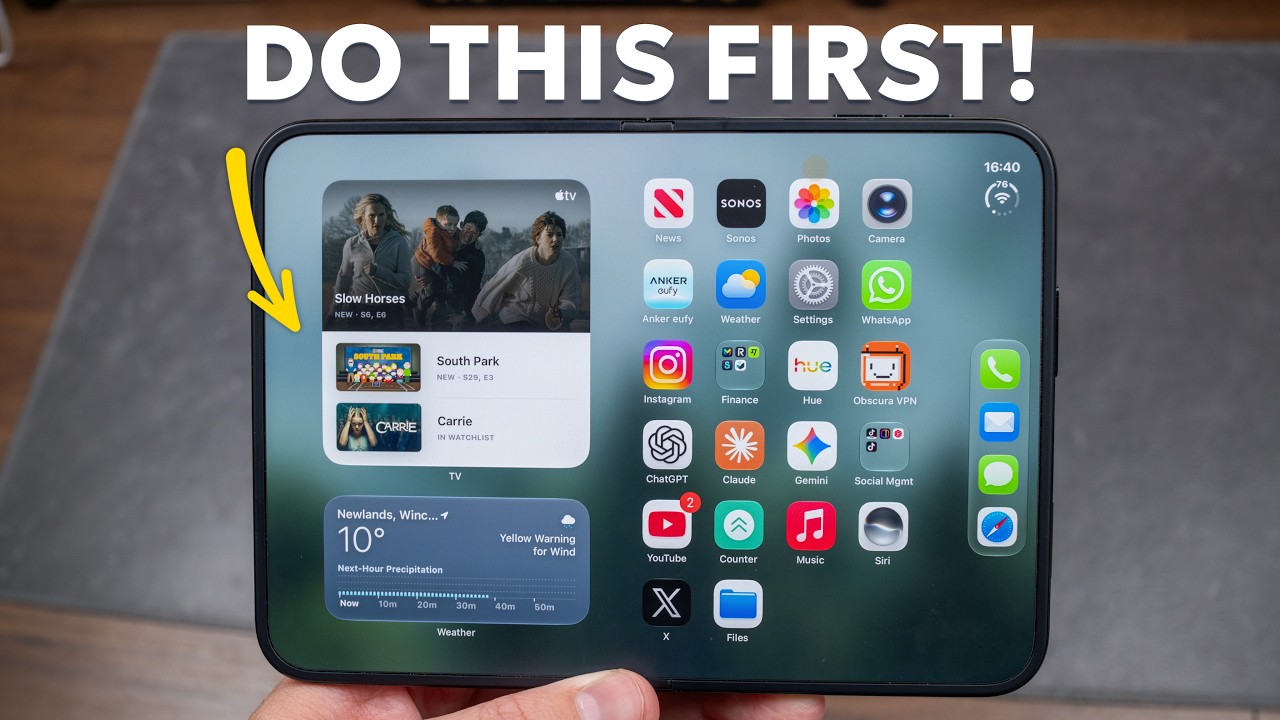 Just Got the iPhone Duo? Do These 9 Things First
Things we can learn from the video
Press to jump
- 0:20Drag apps side by side, share images between them and pair apps; split view requires landscape orientation.
- 3:42Camera options include outer-screen previews, an animated Snoopy cue and hands-free Smart Take.
- 8:53Add multiple fingerprints to Touch ID and enable unlocking with an Apple Watch.
- 10:58Change Fixed Position Volume Controls to adjust how the buttons behave when the phone rotates.
- 12:10StandBy works in tent and book positions without a power connection.
- 13:49FaceTime uses the under-display camera and offers dual-camera sharing.
Split view has a catch. Proper Honest Tech demonstrates dragging apps side by side on the iPhone Duo, sharing images between them and pairing apps together, but the split-screen arrangement only works in landscape. For portrait use, he shows a workaround with a floating picture-in-picture window.
That practical approach is drawing an unusually fast start. "Just Got the iPhone Duo? Do These 9 Things First" reached roughly 98,000 views in half a day, putting its estimated first-day audience at nearly five times the channel's usual. Comments have already passed three times the usual full-day total.
Several viewers say they are watching on the phone they have just set up. One spots an accidental optical illusion: a dark bar on the table behind the demonstration phone lines up with their own Duo's crease, briefly making it look much deeper.
The tutorial goes beyond finding uses for the bigger screen. It shows how the outer display lets you frame selfies with the rear cameras, how to add fingerprints for Touch ID, and where to change whether the volume buttons keep fixed positions as you turn the device. StandBy gets a particularly useful change: tent and book positions work without the phone being plugged in.
The video includes a sponsored dbrand segment. Around it, the emphasis stays on operating the phone, including FaceTime's under-display camera and dual-camera sharing. That's familiar territory for Proper Honest Tech: its earlier iOS setup guides and full CarPlay tutorials are among the channel's most-watched uploads.
Published on Trari
Where next?



What viewers say
When watching this video on a Duo’s inner screen in landscape with the video in full screen, that black cross bar on the table behind your phone lines up almost perfectly with my phone’s crease. I about had a heart attack, I thought the crease turned into a crater.
@arcticpirate2012See it on YouTubeWatching this on my iPhone duo
@MikeOhh25See it on YouTubeCan’t wait to get off work. My Duo is sitting at the house on my desk!
@mazzithSee it on YouTube
3 more comments
Just set up my duo and currently watching this on my duo 😊
@thekidkdf2See it on YouTubeWatching this on the way to pick up my duo at the apple store.
@Ragnar0321See it on YouTubei wish there was a way to setup and grid layout for the front screen and then a seperate one for the phone open .
@ryanberry4348See it on YouTube
Public comments from the video's page on YouTube
 Is this your channel?For the channel's owners and team: a ready picture, text and badge for your audience
Share the story with your audience. Everything is ready:
For an Instagram story or a WhatsApp status
For a community post or your channel's description
For your website

You may use the picture, the badge, and link it to this story.
- Channel
- Proper Honest Tech
- Subscribers
- 626,000
- Channel views, last 7 days
- 334,862
- Channel views, pace per day
- 94,552 (on a normal day: 51,368)
- Video published
- October 23, 2026
- Video views so far
- 98,274 (less than a day online)
- Video views, pace per day
- 144,481
The numbers
The Duo tutorial has already drawn substantially more views than a usual full first day. Its projected first-day total is an estimate, not a completed count.

💡 Test your knowledge
Which mode does the tutorial demonstrate in tent and book positions without plugging in the Duo?
The StandBy demonstration shows both positions working without a power connection.